Image to ASCII art
Turn your photo into art made of characters. Try a sample, find your look, then save an image or copy the text.
More adjustments

Plain text
Plain text is shown in one color. When pasting, use a monospace font and keep spaces and line breaks. In Markdown, use a code block.
The whole image, including the subject and background, is rebuilt with characters. PNG preserves their colors and layout; TXT and Copy keep the same character grid as plain text.
Your photo stays on your device. JPG · PNG · WebP · GIF · BMP — 20 MB
Photo to ASCII: choose a width for your result
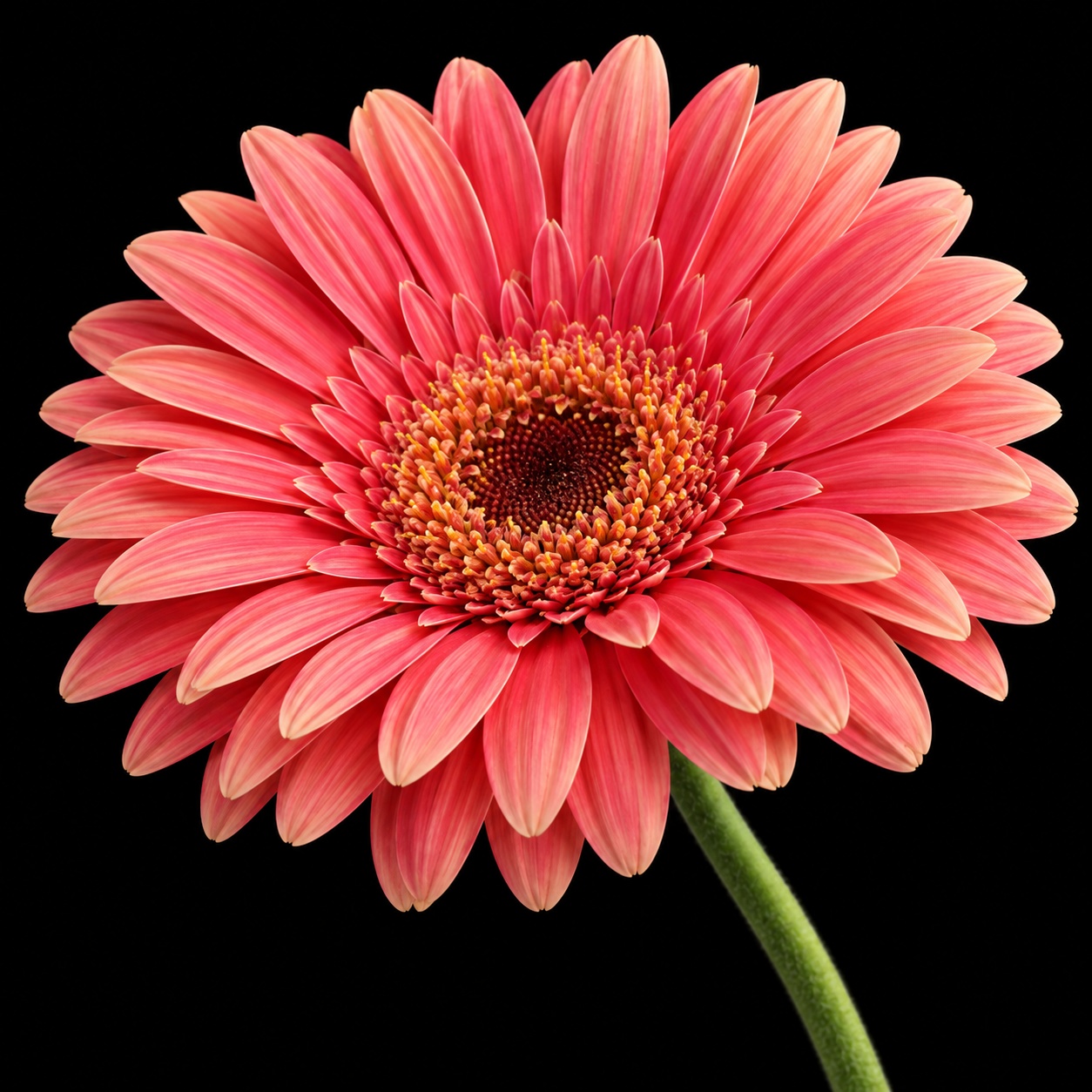
This image-to-ASCII converter rebuilds the whole photo with letters, numbers and punctuation. The default 200 characters per line gives a flower, portrait or pet room for fine detail. Reduce the width for a bolder text drawing, or increase it up to 320 characters for finer features. A clear subject and simple background make the result easier to recognize.
ASCII art for a README or a social post
For a README, open Plain text and use Fit image to check the complete drawing before copying it. Enlarge text lets you inspect the characters without changing the output. Paste inside a fenced code block without a language tag, preserving every space and line break. Try 60–80 characters per line for narrow text areas. For a profile image or social post, download PNG to keep the character colors, background and spacing together.
How to convert a photo to ASCII
- Choose a JPG, PNG, WebP, GIF or BMP, or try one of the sample photos.
- Pick Color, Classic or Terminal and set the characters per line. Open More adjustments for brightness, contrast and character sets.
- Check Plain text before copying or downloading TXT. To share the colored preview, download PNG.
Image to ASCII questions
How do I keep ASCII art aligned when I paste it?
Use a monospace font such as Courier New and keep the line breaks and spaces. In Markdown, paste inside a fenced code block. If lines wrap, use fewer characters per line or a wider text area.
Can I convert a photo to colored ASCII art?
Choose Color, then download PNG to preserve the colored characters and background. Copy and TXT contain the same character grid, but no colors or font settings. Plain text can look different without the photo’s colors; try Classic to judge a monochrome version before exporting text.
Why is my ASCII image hard to recognize?
Try a photo with one large subject. Increase the character width for small details, then adjust brightness and contrast. A busy background or very small face can remain hard to read at a narrow width.
What image formats and sizes can I use?
Choose one JPG, JPEG, PNG, WebP, GIF or BMP up to 20 MB. GIF and animated WebP produce a still frame.
What happens to a transparent PNG?
Transparent areas become empty spaces. The selected style supplies the background in the preview and PNG download: light paper for Classic and a dark background for Color or Terminal.
Is this image-to-ASCII converter free and private?
The converter and downloads are free. Your selected photo is processed on your device in the browser. You can try the samples and export your own results without creating an account. Free tools do not upload your files. AI features that require server processing upload them to our servers.