
Free Online Image Compressor
Compress JPG, PNG, GIF, WebP, SVG, and TIFF images online to reduce file size for websites, uploads, email, and sharing.
Select images
or drop images here
JPG, PNG, GIF, WebP, SVG, or TIFF · Up to 100 images · 100 MB each
Images are compressed locally and never uploaded.
Every image keeps its original format.
SVG and TIFF files are compressed losslessly, so there is no level to choose.
Image compression, before and after
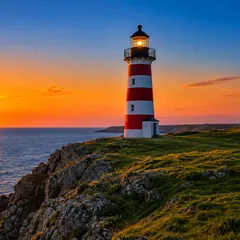
At the Recommended level, this 1536 × 1024 photo went from 2.3 MB to 406.9 KB: 83% smaller, with little visible change. Drag the divider to compare the two halves.
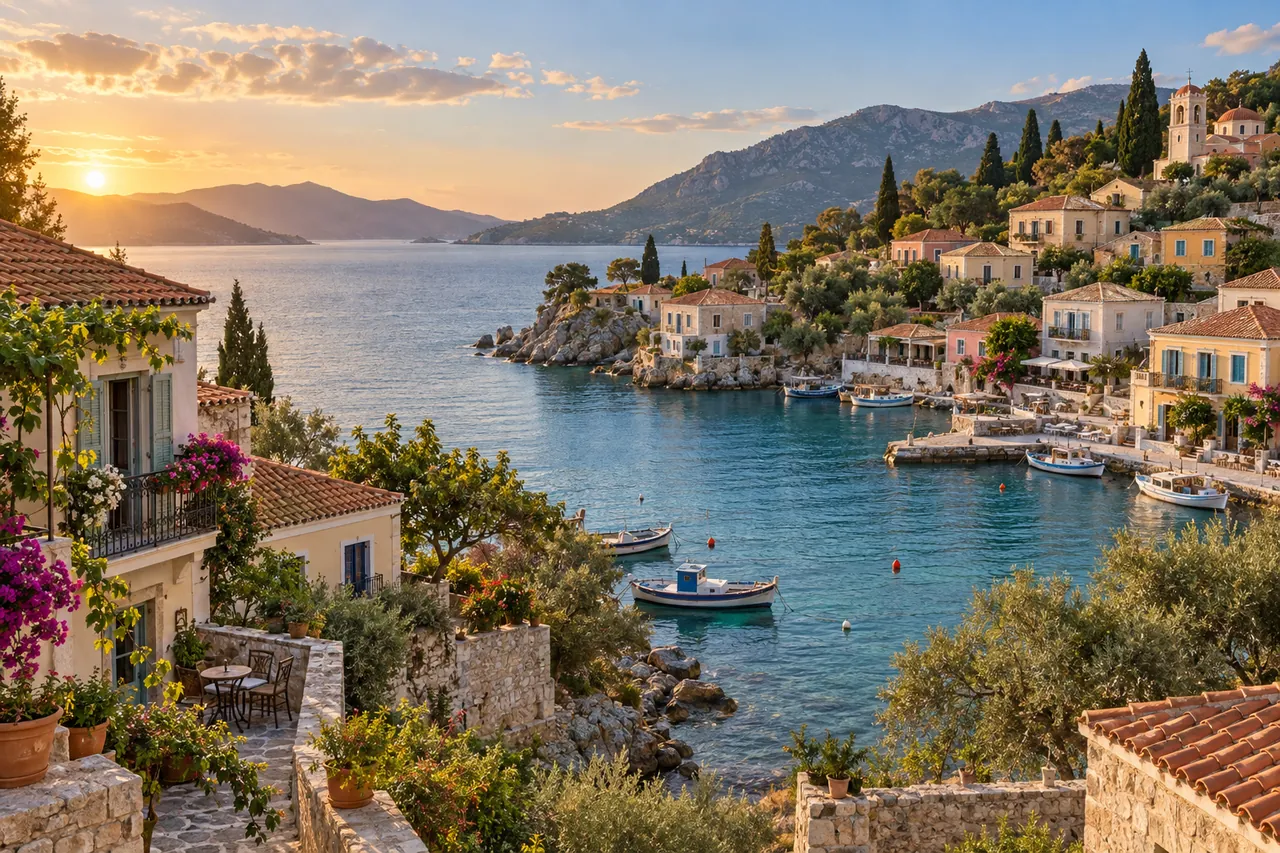
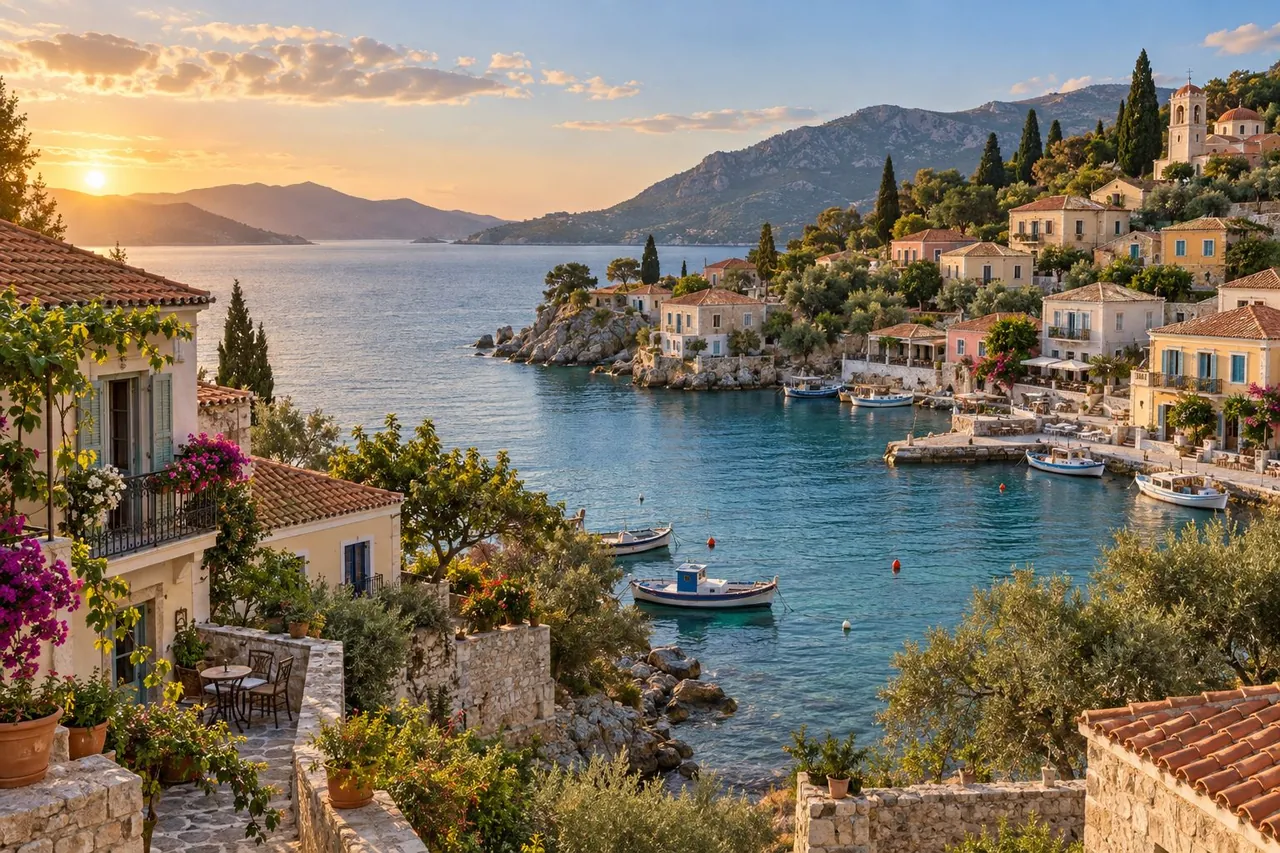 Original Compressed
−83%smaller file
Fit a size limit 300 KB
village-imagenow.jpg2.3 MB → 299.1 KB
Under 300 KB
- Websites
- Form uploads
Reduce image size for websites, uploads, and sharing
Large photos and graphics take longer to upload, send, and display. Reducing image size before publishing product photos, blog images, portfolio work, email attachments, or form uploads can improve load time and make files easier to share without changing their format.
- JPGThree levels or a size limit
- PNGThree levels or a size limit
- WebPThree levels or a size limit
- GIFThree levels, animation kept
- SVGLossless, stays vector
- TIFFLossless, pages kept
Each image format needs a different compression method
JPG, PNG, WebP, and GIF offer three compression levels and a size limit. GIF keeps its animation, SVG stays vector, and TIFF retains its pages. Compare the actual result and file size before downloading; savings depend on the image and its previous compression.
village.jpgJPG · 1536 × 1024 px · 2.3 MB
village-imagenow.jpgJPG · 1536 × 1024 px · 406.9 KB
Your file keeps its format and dimensions
The output keeps the source format and pixel dimensions — an animated GIF stays animated, an SVG stays vector. When a picture is already tightly compressed, you get the original back.



 Compressed on this device
Everything happens in your browser
You can process up to 100 images per batch, with a 100 MB limit for each file. The files stay in the current browser session and are not uploaded. Re-encoded images may omit EXIF, editor, and other non-visual metadata; if an already optimized original is kept because it is smaller, that original file remains unchanged.
How to compress images
Add your images
Select or drop up to 100 JPG, PNG, GIF, WebP, SVG, or TIFF images.
Choose how much to compress
Compression starts automatically. Pick another compression level or fit an upload limit for the whole batch, or click an image to compare it with the original at full size.
Download the results
Check the actual file size, then download any image on its own or the completed images as a ZIP.
Why use this online image compressor?
See the actual savings
See the original and the compressed size for every image, so you know exactly what you saved.
Compress images in batches
Add up to 100 images, keep adding files after a batch, and download each result or package them into one ZIP.
Keep files on your device
Compression and ZIP creation run in your browser, so supported JPG, PNG, GIF, WebP, SVG, and TIFF files are not sent to ImageNow servers.
Frequently asked questions
How do I compress an image online?
Select or drop supported JPG, PNG, GIF, WebP, SVG, or TIFF images, wait for automatic compression, review the original and compressed sizes, and download the results. No account or software installation is required.
Does compressing an image reduce its quality?
JPG and WebP compression can change fine details, and reducing colors in PNG or GIF can change gradients. Click an image to open it full size, then switch between Original and Compressed to compare them. SVG uses structural optimization and TIFF uses lossless compression.
Which image formats can I compress?
This page compresses JPG and JPEG, PNG, GIF, WebP, SVG, TIF, and TIFF images. Each output keeps the same file format as its source image.
Can I compress multiple images at once?
Yes. You can add up to 100 images, let the batch compress automatically, continue adding files, and download completed results individually or together as a ZIP.
What is the image file-size limit?
Each supported image can be up to 100 MB. Browser memory, image dimensions, animation frames, and TIFF pages can still affect very large files, so an individual file may fail without stopping the rest of the batch.
Are my images uploaded to a server?
No. Image decoding, compression, previews, and ZIP creation happen locally in your browser. Closing or refreshing the page clears the current working session. Free tools do not upload your files. AI features that require server processing upload them to our servers.
Why did my image save little or no space?
An image that was already optimized may not become smaller when re-encoded. File format, image detail, color count, existing quality, and metadata all affect the result. ImageNow keeps the original when the compressed attempt would be larger.
Does compression change image dimensions or format?
The compressor keeps the original image format and dimensions whenever the browser can safely process them. Animated GIF remains animated, SVG remains vector, and TIFF remains TIFF. Extremely large dimensions or complex multi-frame files may still reach browser memory limits.