
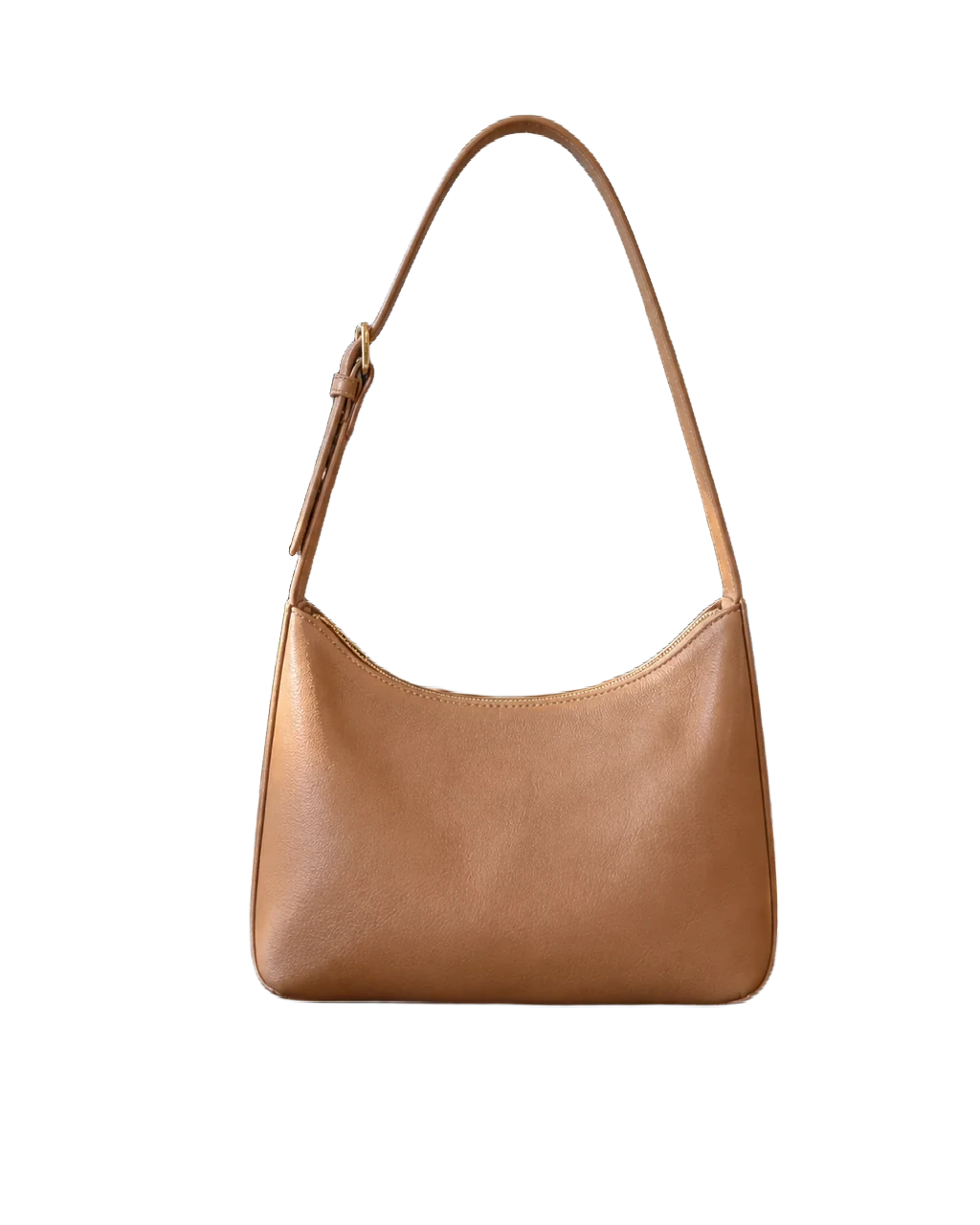
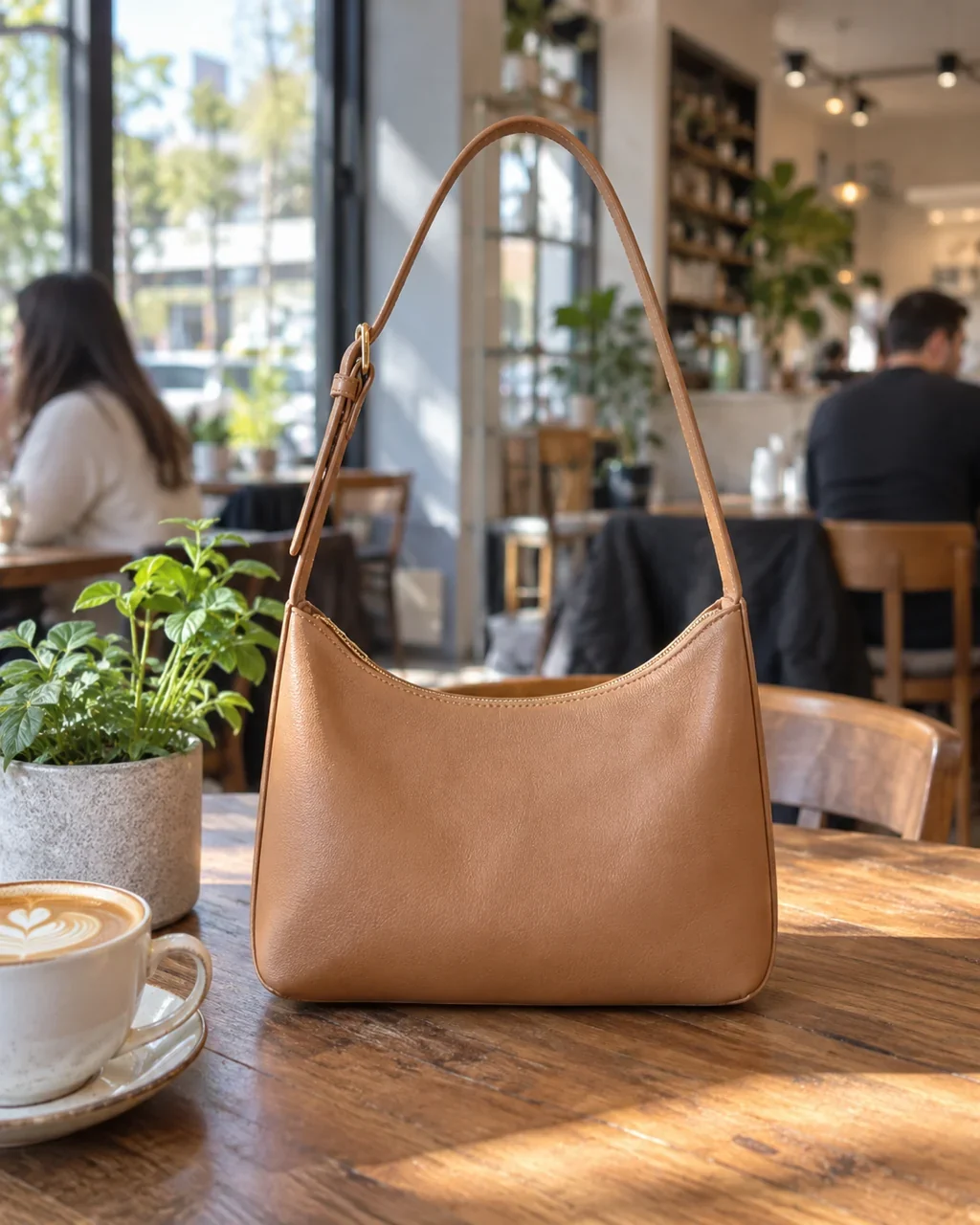
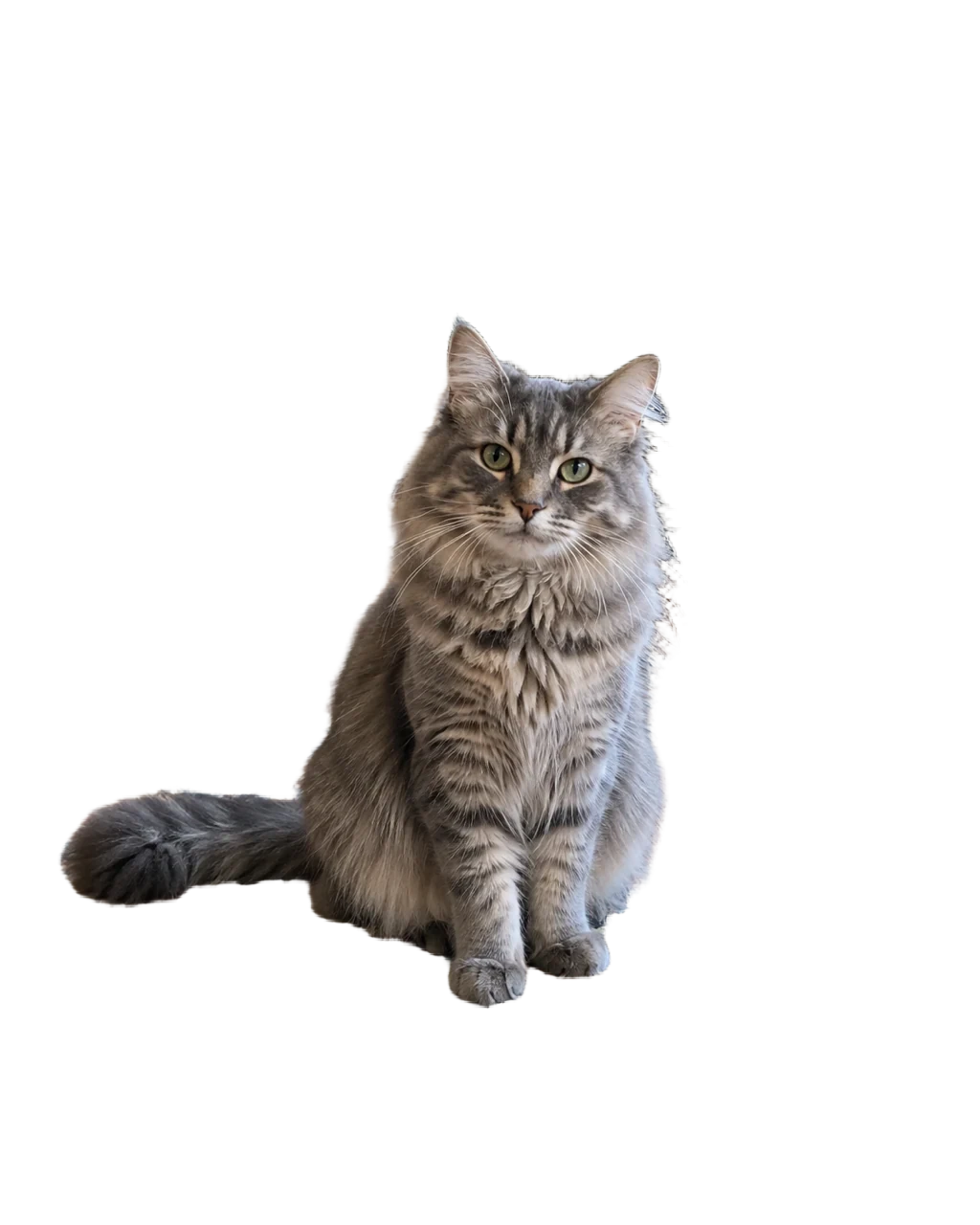


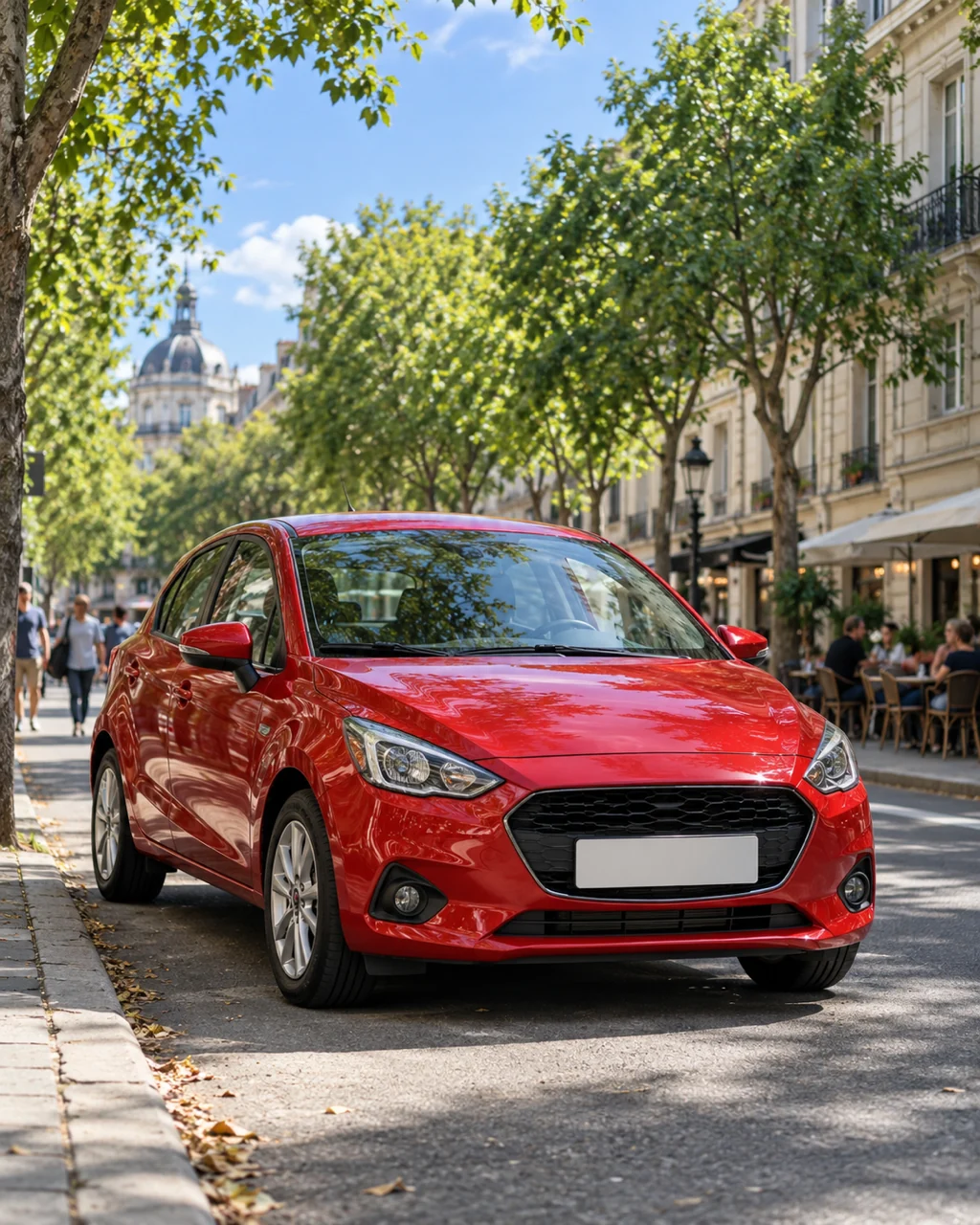

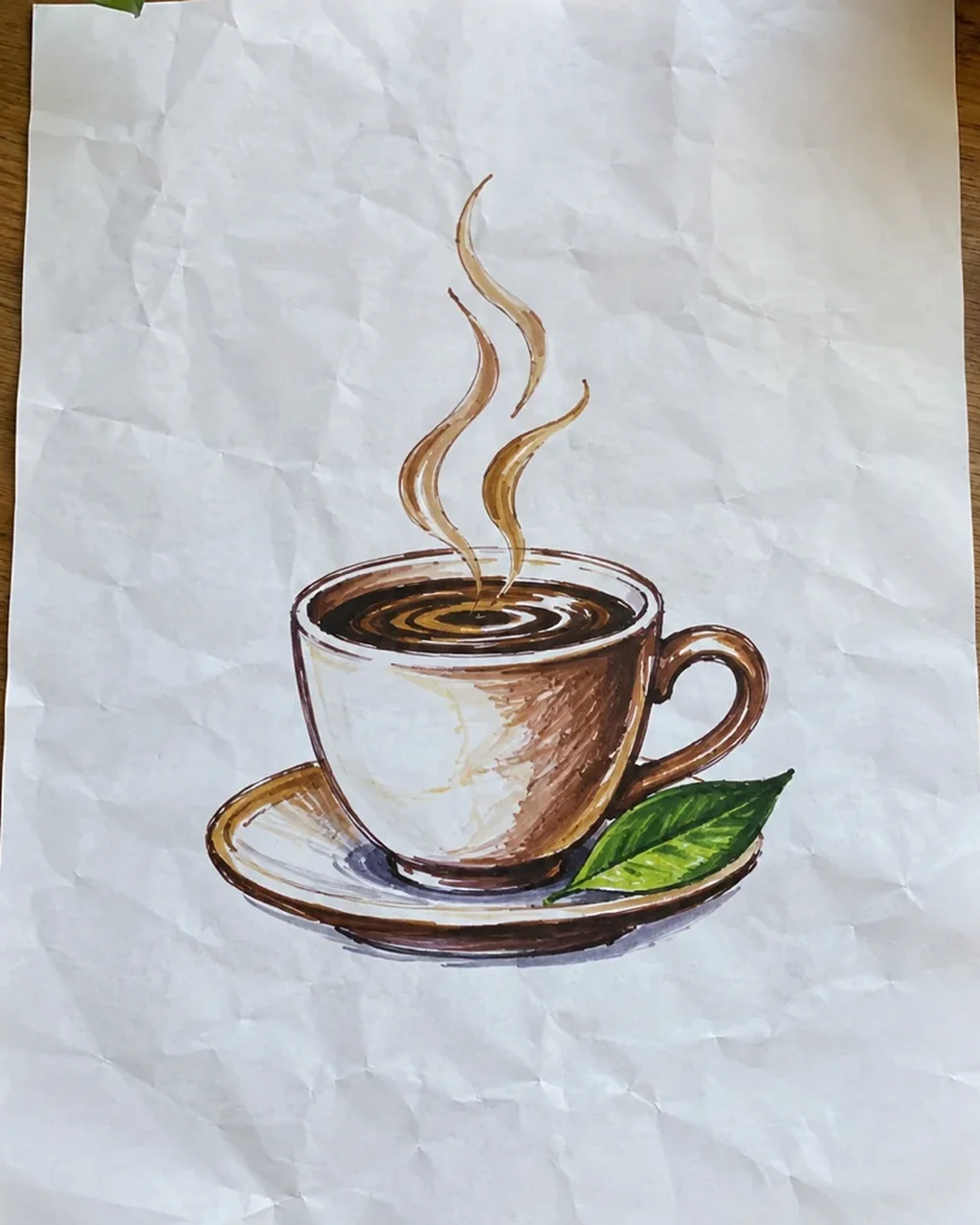
Make a transparent PNG from any photo
The removed background is saved as real transparency, not white paint. Drop the PNG onto a slide, a website banner or a poster and whatever sits behind it shows through, with no box around your subject.
Cut out people, products, pets and logos in seconds and download a transparent PNG for listings, profile pictures and designs. Free to try without an account, no watermark.
Drag and drop, or click to upload
JPG, PNG or WebP · up to 10 MB

 OriginalTransparent
People who want to remove the background from a picture usually need one of four things: a transparent PNG for a design, a clean product shot for a shop, a tidy headshot, or a logo lifted off its paper. The AI background remover finds the main subject on its own, so each of these takes a single upload and no manual tracing.
The removed background is saved as real transparency, not white paint. Drop the PNG onto a slide, a website banner or a poster and whatever sits behind it shows through, with no box around your subject.
Shoot the item on your desk or kitchen table, cut it out, then fill the empty area with white in our free Convert to JPG tool. That is the plain look Amazon, eBay, Etsy and Shopify listings ask for, without a studio or a lightbox.
Lift yourself out of a busy room and put a calm, even color behind you for LinkedIn, a CV, a team page or a badge. Passport and visa photos have their own size and lighting rules, so check them before you print one.
Photograph a hand-drawn logo, a stamp or your signature and keep only the ink. The PNG sits cleanly on documents, packaging mock-ups and web pages, on any color you place it on.
Curls, glass, thin spokes and fuzzy fur are where a background remover usually slips. See how each one comes out, with a tip for taking a photo that cuts out cleanly.
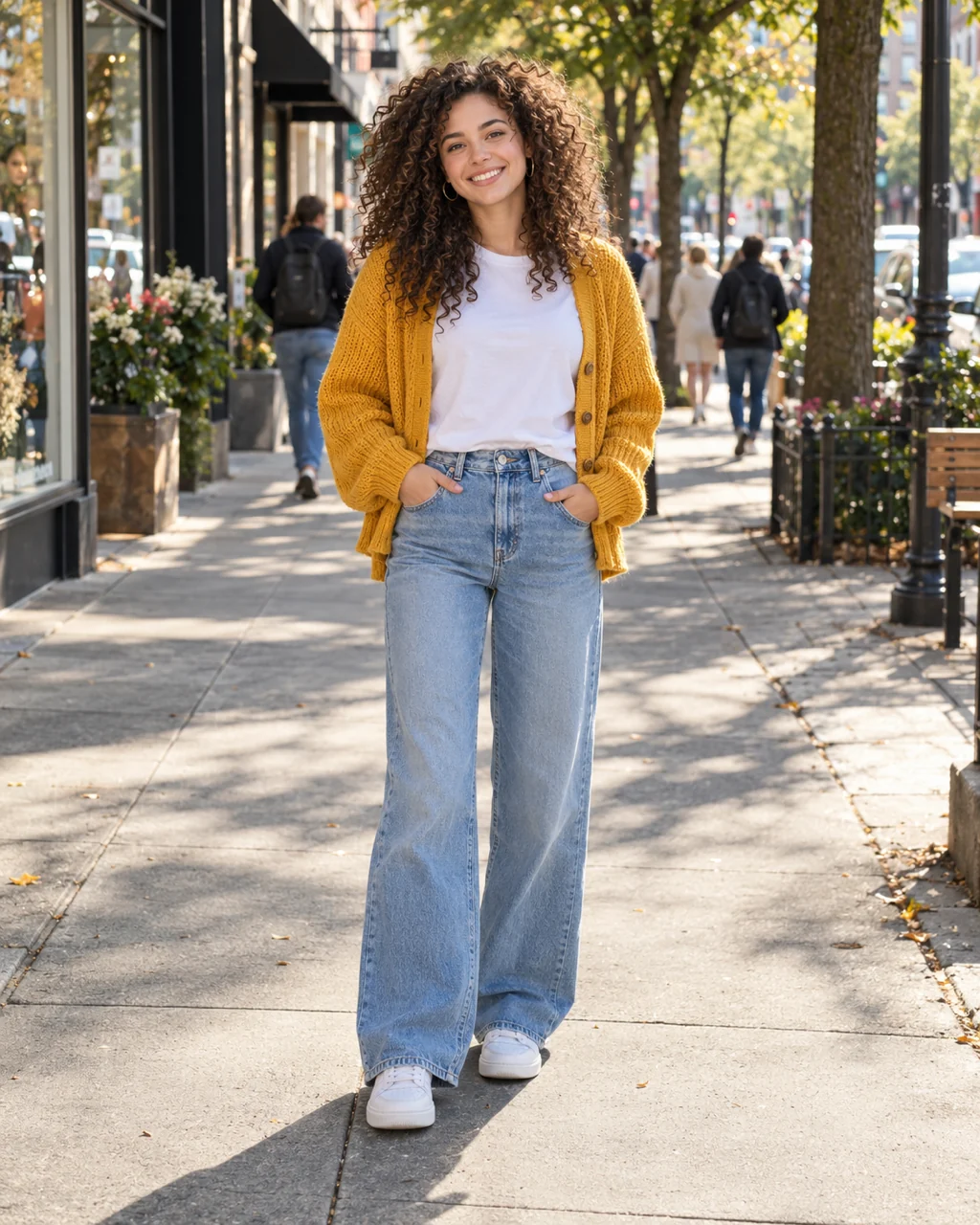
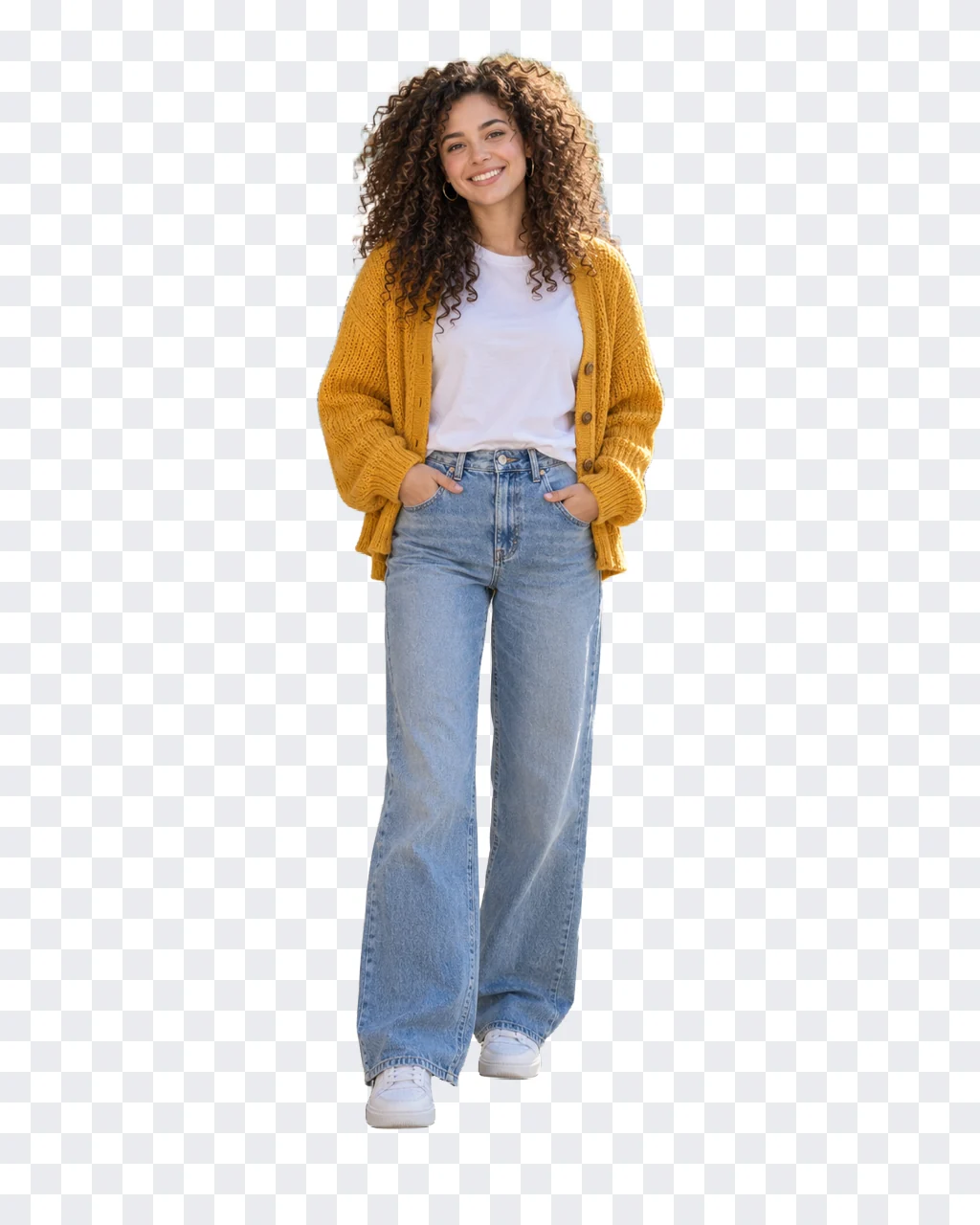
Curls and flyaway strands against a busy street are the classic hard case. The cut keeps the volume of the hair and the gaps between curls, and the whole outfit down to the sneakers.
Stand a few steps in front of the background and keep your feet inside the frame.

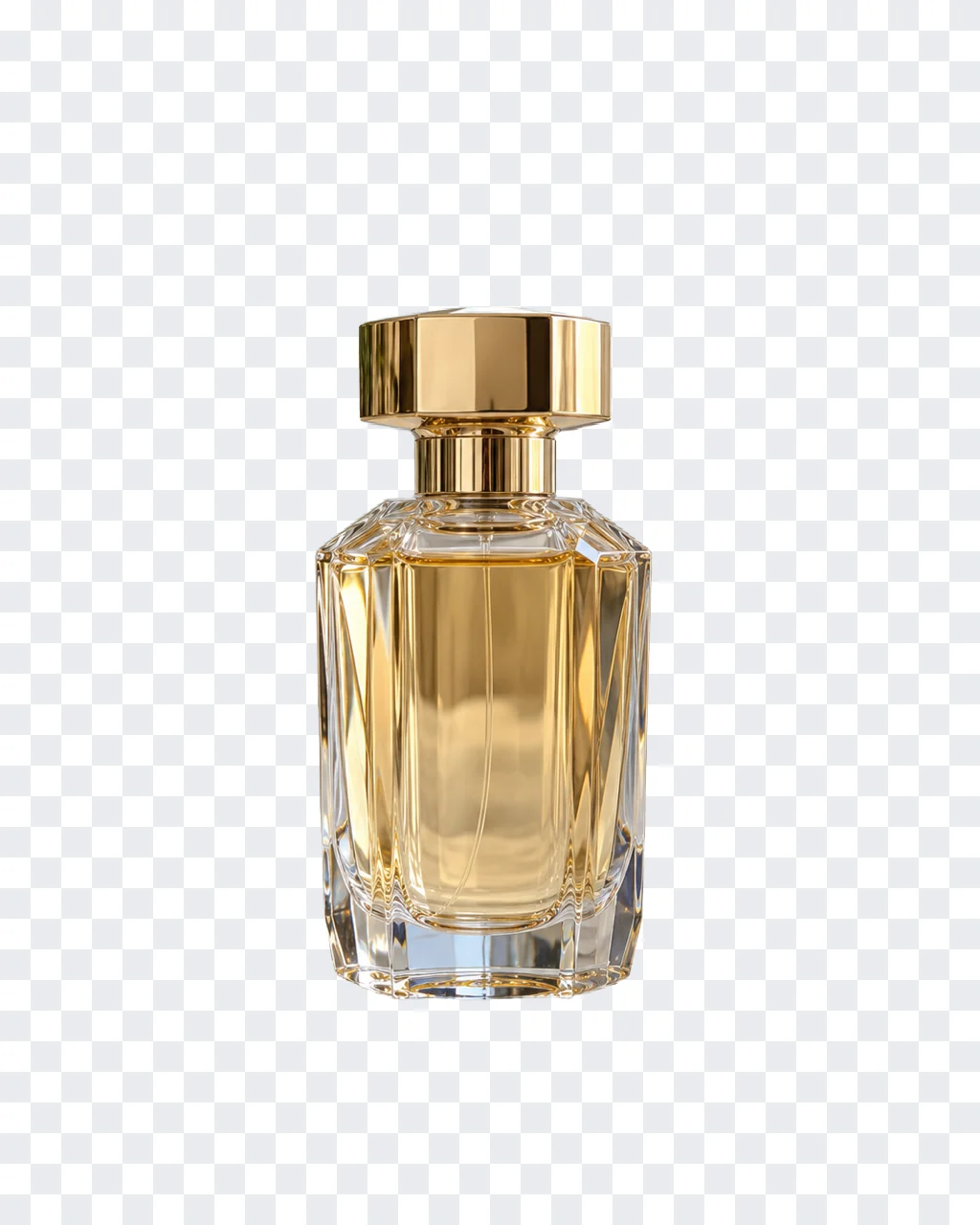
Glass picks up colors from the room and polished gold reflects everything near it. The bottle keeps its facets, its amber liquid and the shine on the cap, while the shelf and the mirror disappear.
Use soft side light and avoid a background in the same color as the liquid.
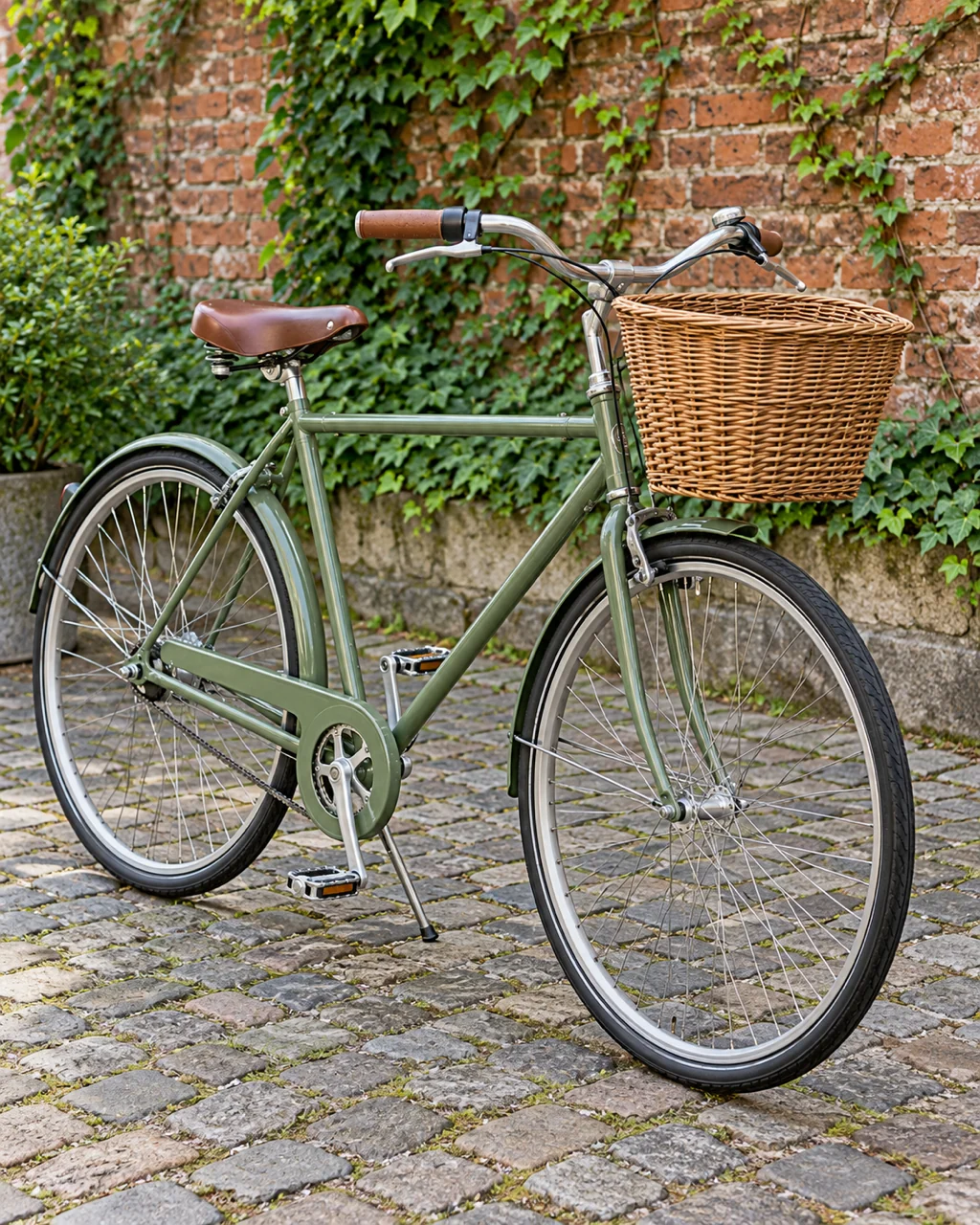
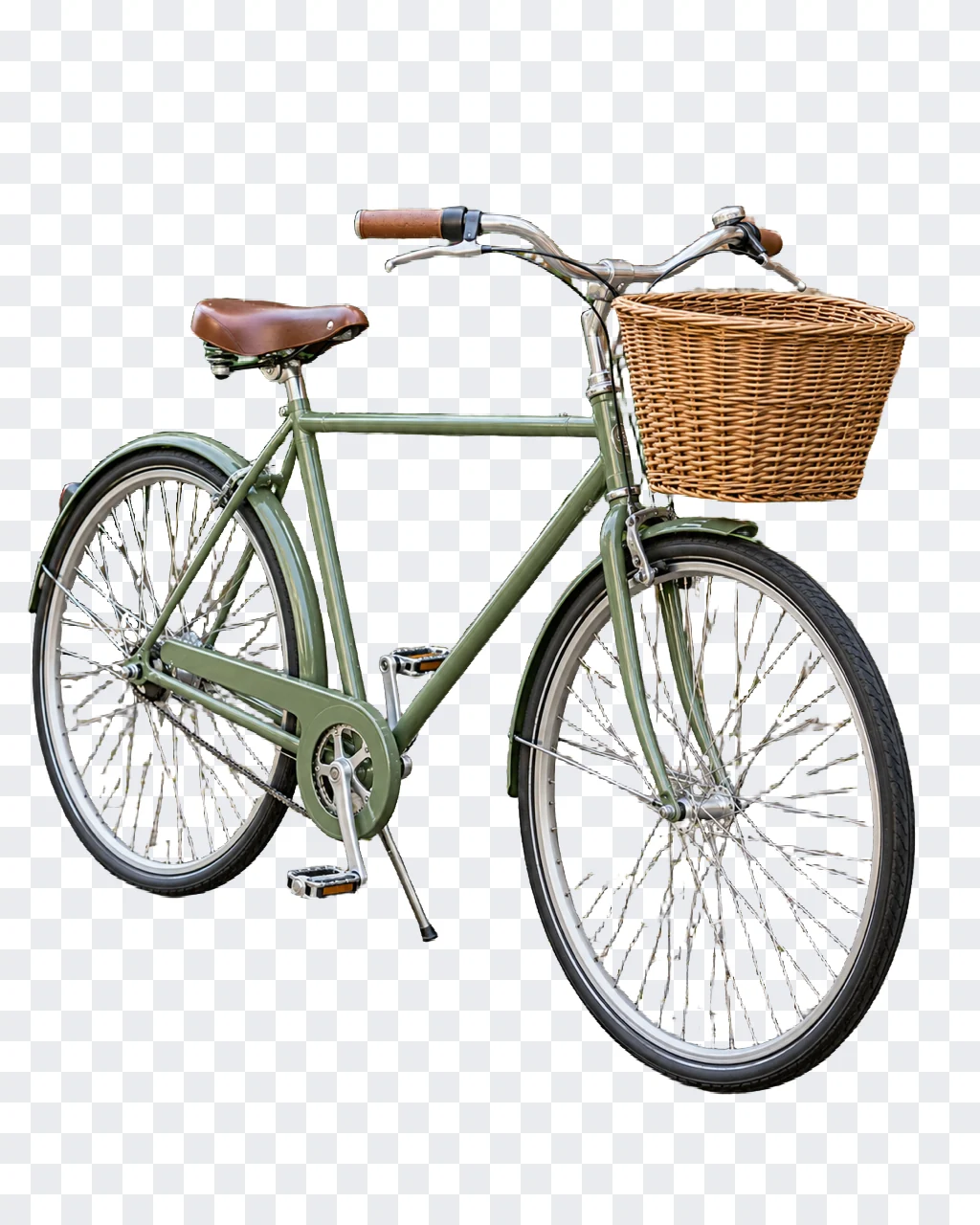
Spokes, cables and the open frame leave dozens of small holes. Each gap becomes transparent too, so no brick or cobblestone shows through the wheels on your new background.
Shoot from the side at wheel height so the wheels stay round and the spokes do not cross the frame.

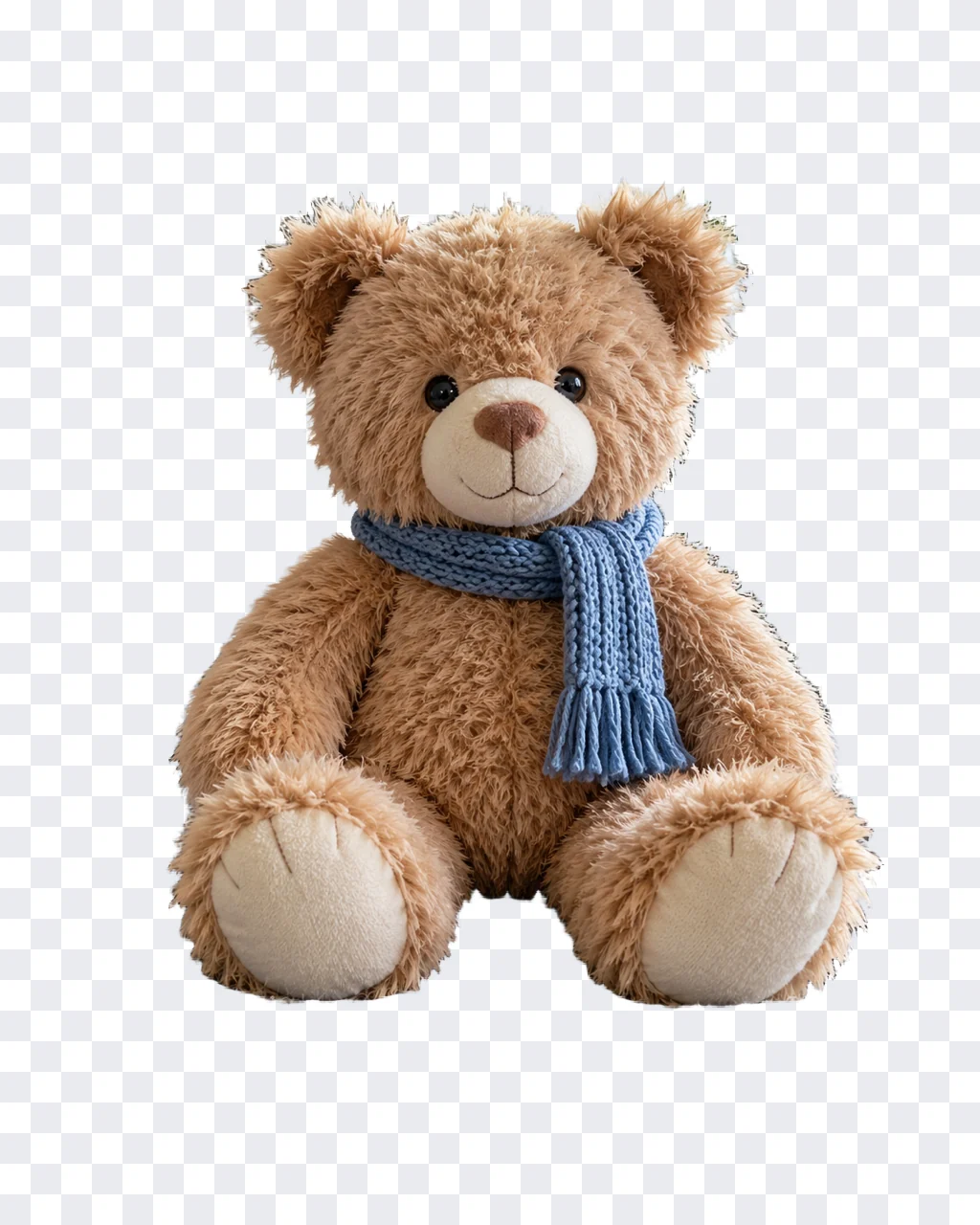
Fuzzy fibers blur into a knit blanket and sofa cushions. The cut keeps a soft outline instead of a hard, shaved edge, which matters for toy shops and gift listings.
Put the toy on a surface in a different color than its fur, near a window.
Three steps and nothing to install. The whole task happens in the tool at the top of this page, on a computer or a phone.
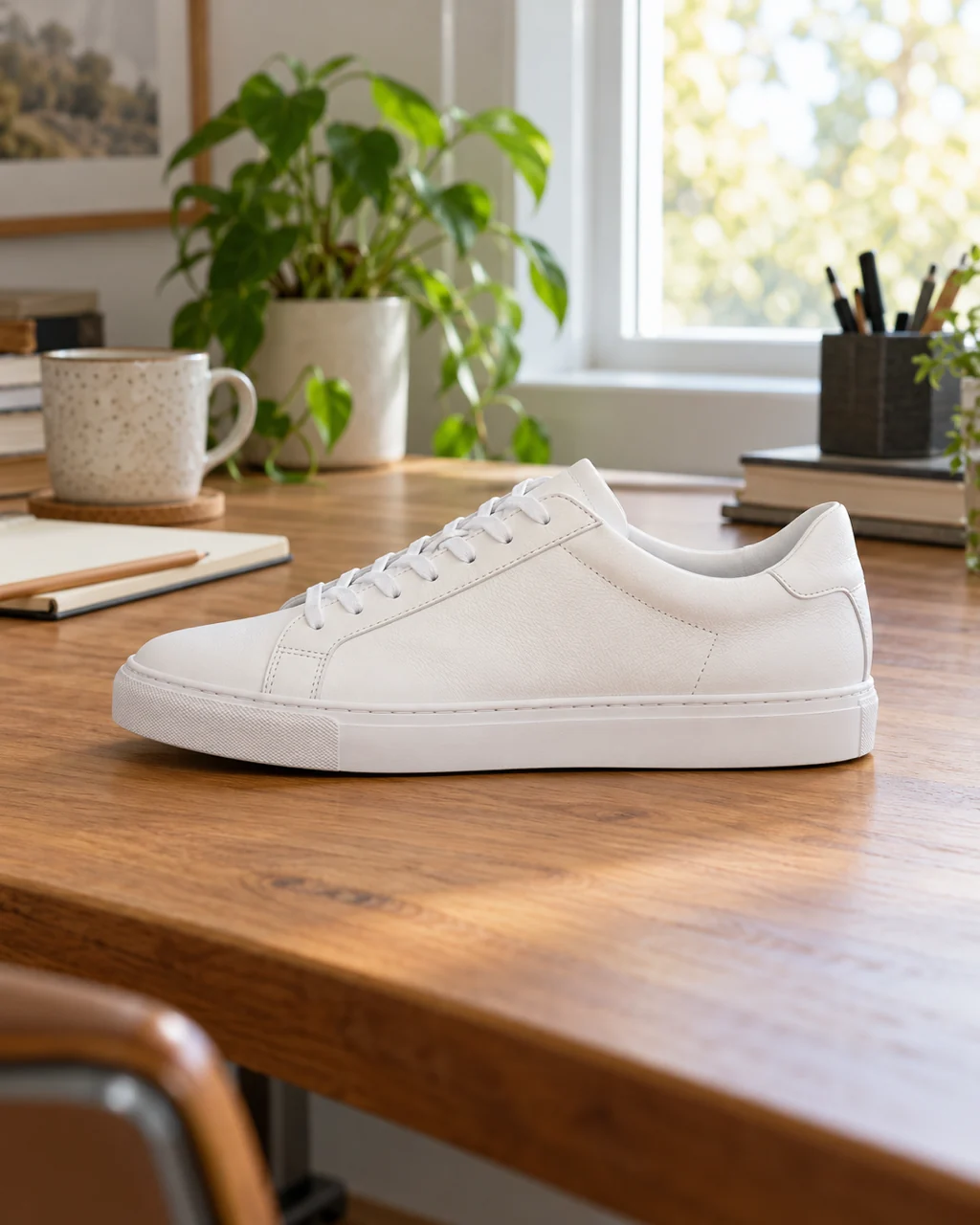
Click Upload image or drop a JPG, PNG or WebP up to 10 MB into the box. One clear, sharp subject gives the cleanest edges.
Your free try starts right away. When you are signed in, the button shows the credit cost before anything is charged.
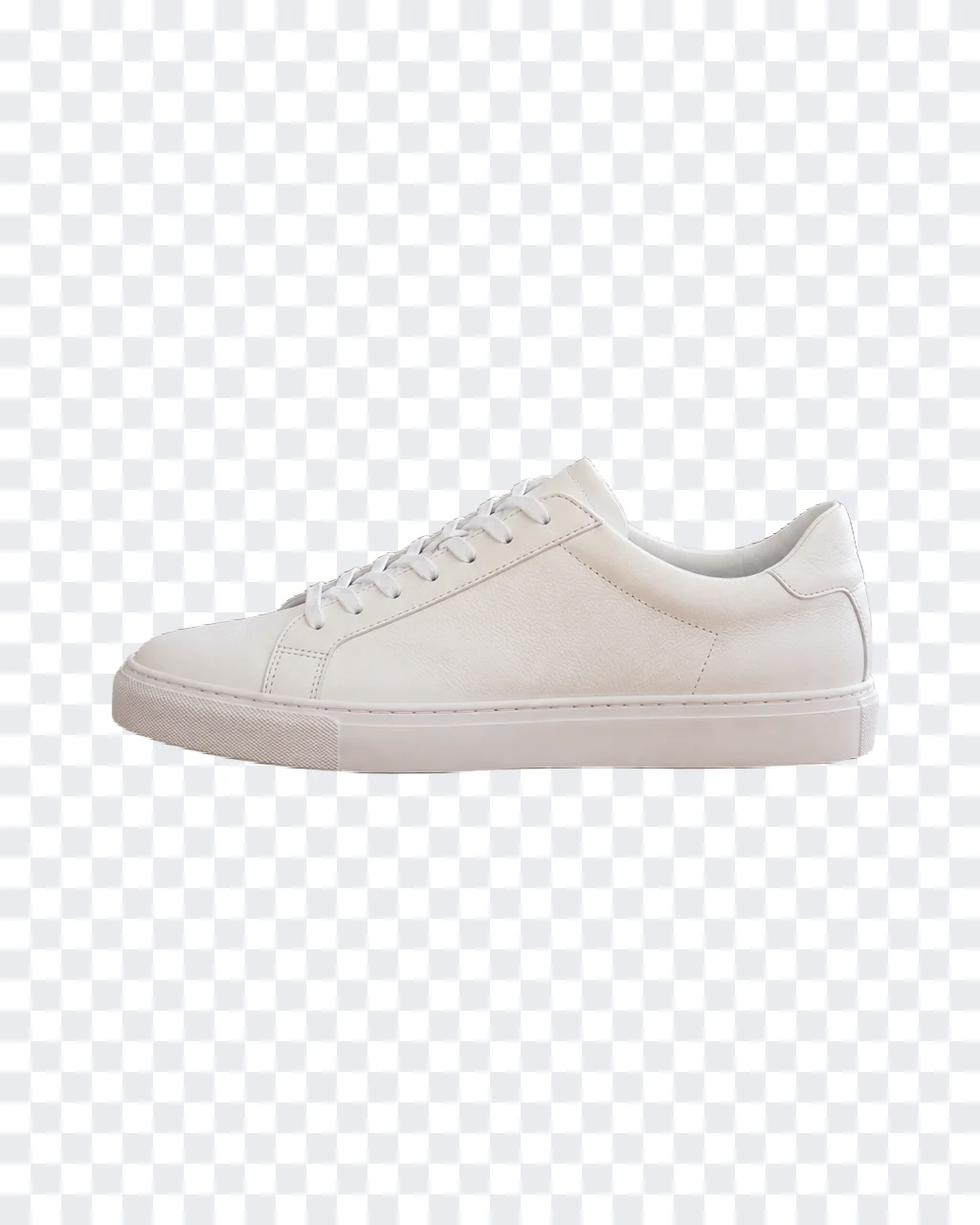
Drag the divider to check the edges, then download your transparent PNG. No watermark is added.
Your transparent PNG is a starting point. Finish it with our free browser tools, which run on your device and upload nothing.
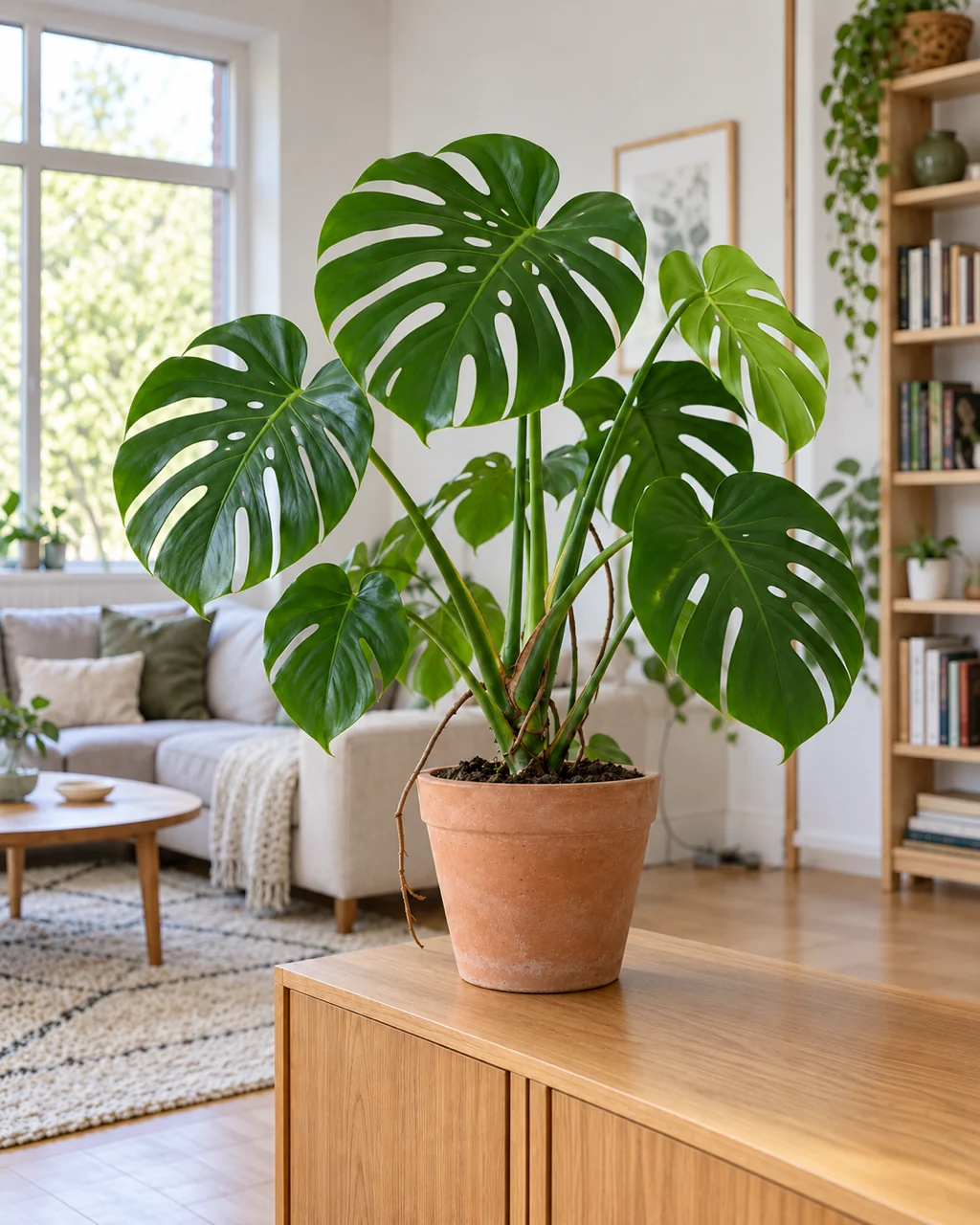
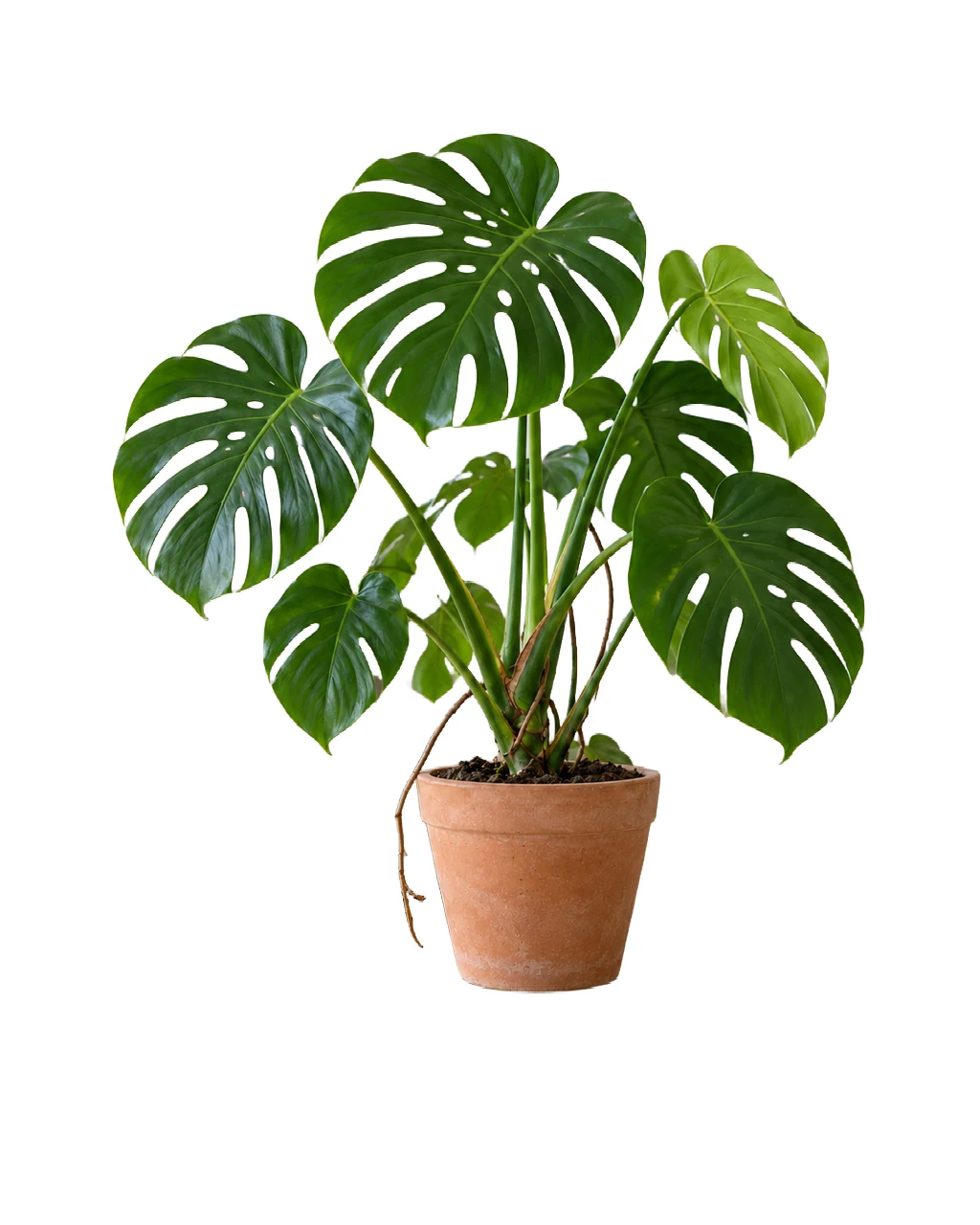 BeforeAfter
Open the PNG in Convert to JPG. The transparent areas turn white, the plain look most marketplaces ask for, and your PNG stays as it is.
Open Convert to JPG
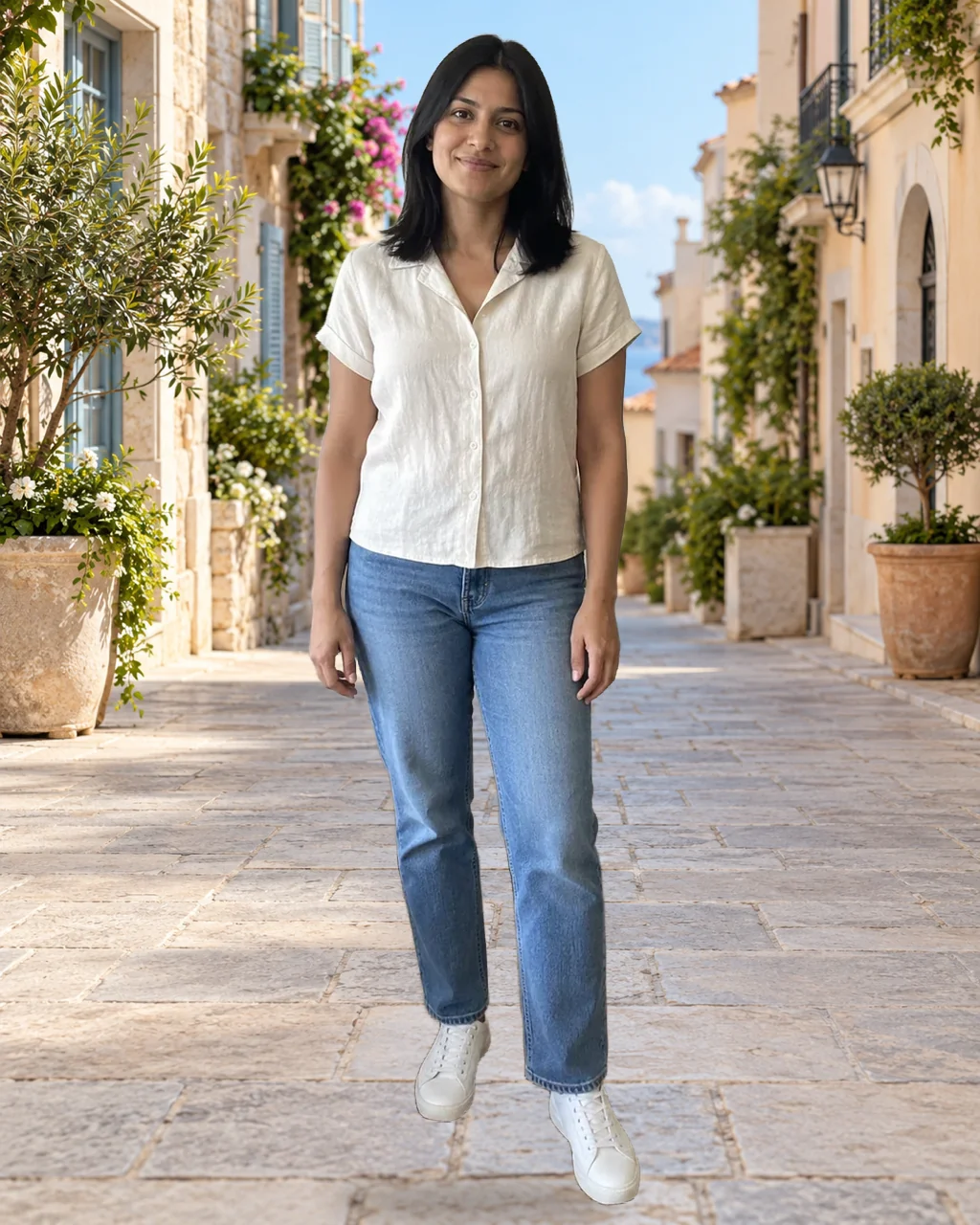 BeforeAfter
Overlay images puts the PNG on top of any photo. Move, resize and rotate it until it fits the scene, then save the result.
Open Overlay images
 BeforeAfter
Image Resizer sets exact pixel sizes, such as a square avatar or a marketplace photo, and keeps the transparency when you save as PNG.
Open Image Resizer
 BeforeAfter
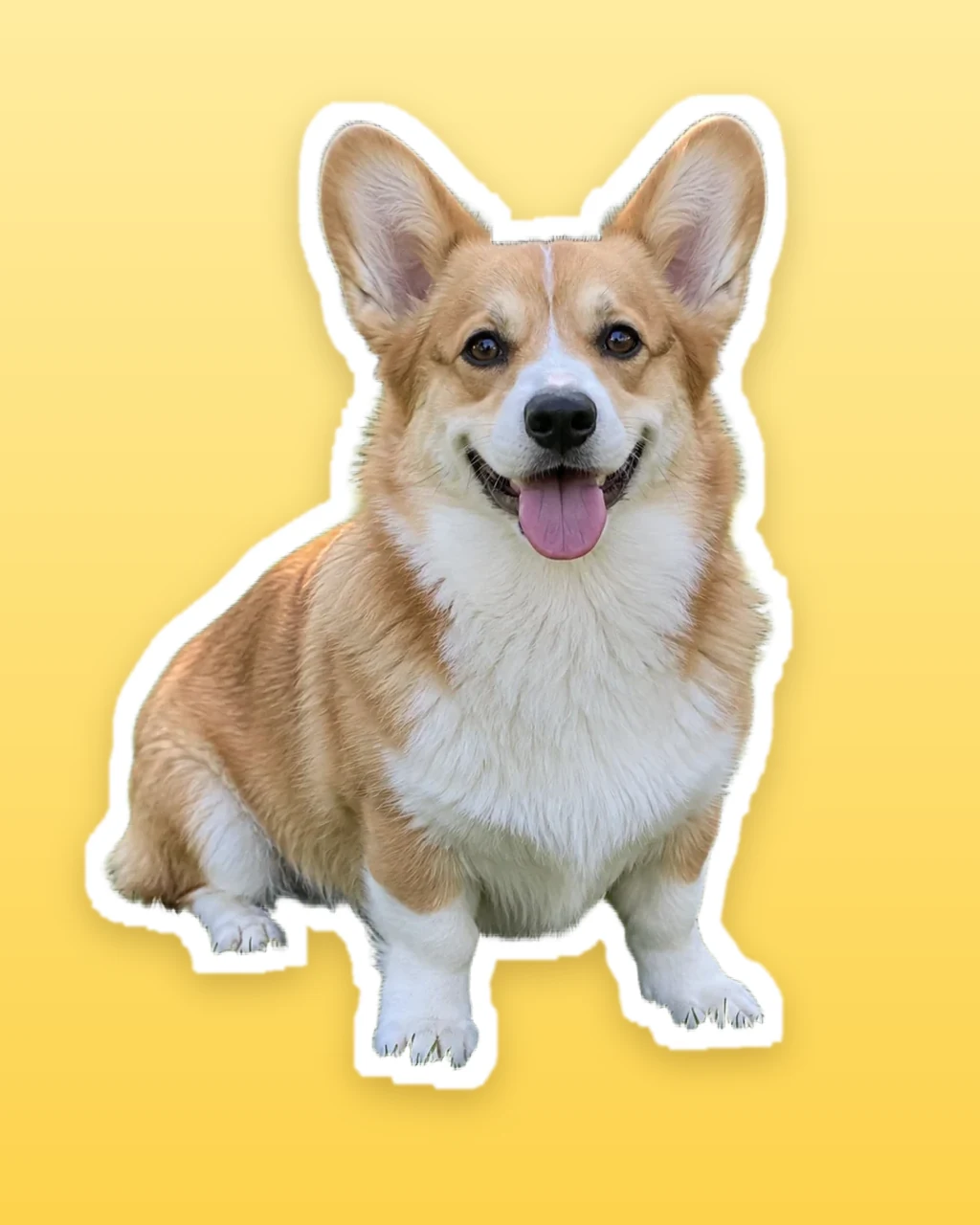
Compress PNG shrinks the file for websites, emails and sticker packs, and the transparent background stays transparent.
Open Compress PNGFree use, credits, file types and photo tips for the AI background remover, with the limits that apply today.
Yes. Without an account you can remove the background from 1 image every 24 hours while the day’s free capacity lasts, and the PNG has no watermark. For more images, sign in: each image costs 1 credit, the button shows the cost before you start, and the credit is refunded if processing fails. New accounts get 10 credits.
Upload the picture above and download the result as a PNG. The removed background becomes transparent pixels, which the preview shows as a checkerboard. The checkerboard is not saved in the file: put the PNG on a slide, a web page or another photo and whatever is behind it shows through. Keep the file as PNG, because JPG cannot store transparency.
Sometimes. Some phones and Google apps can lift a subject out of a photo, and ChatGPT can edit an image you upload. A chat assistant may redraw the picture instead of cutting out the original, which can change faces, text or product details. A dedicated background remover keeps your own pixels, gives you a transparent PNG at once and lets you check the edges first.
The AI keeps your subject at its original size and makes everything around it transparent. Products, cars and logos with clear outlines come out crisp, and hair and fur keep their fine strands. Busy backgrounds, glass, smoke and subjects in the same color as the background are the hardest cases, so drag the divider and check those edges before you download.
Yes. The page works in the browser on iPhone and Android, with no app to install. Tap Upload image to pick a photo from your gallery or take a new one, wait for the result to appear in the same box, then download the PNG to your phone.
JPG, PNG and WebP images up to 10 MB, one image at a time. The result is always a PNG, because PNG is the common format that keeps a transparent background.
Remove the background here first and download the PNG. For a white background, open it in our free Convert to JPG tool, which fills transparent areas with white. For a new photo or a colored layer, use Overlay images to place the cut-out on top, then move and resize it. Both tools run in your browser.
It is uploaded to our server so the AI can remove the background. Only you can open the upload and the result, and both are deleted automatically after 7 days, so download anything you want to keep. Our other image tools, such as compressing or converting, work on your device without uploading.